


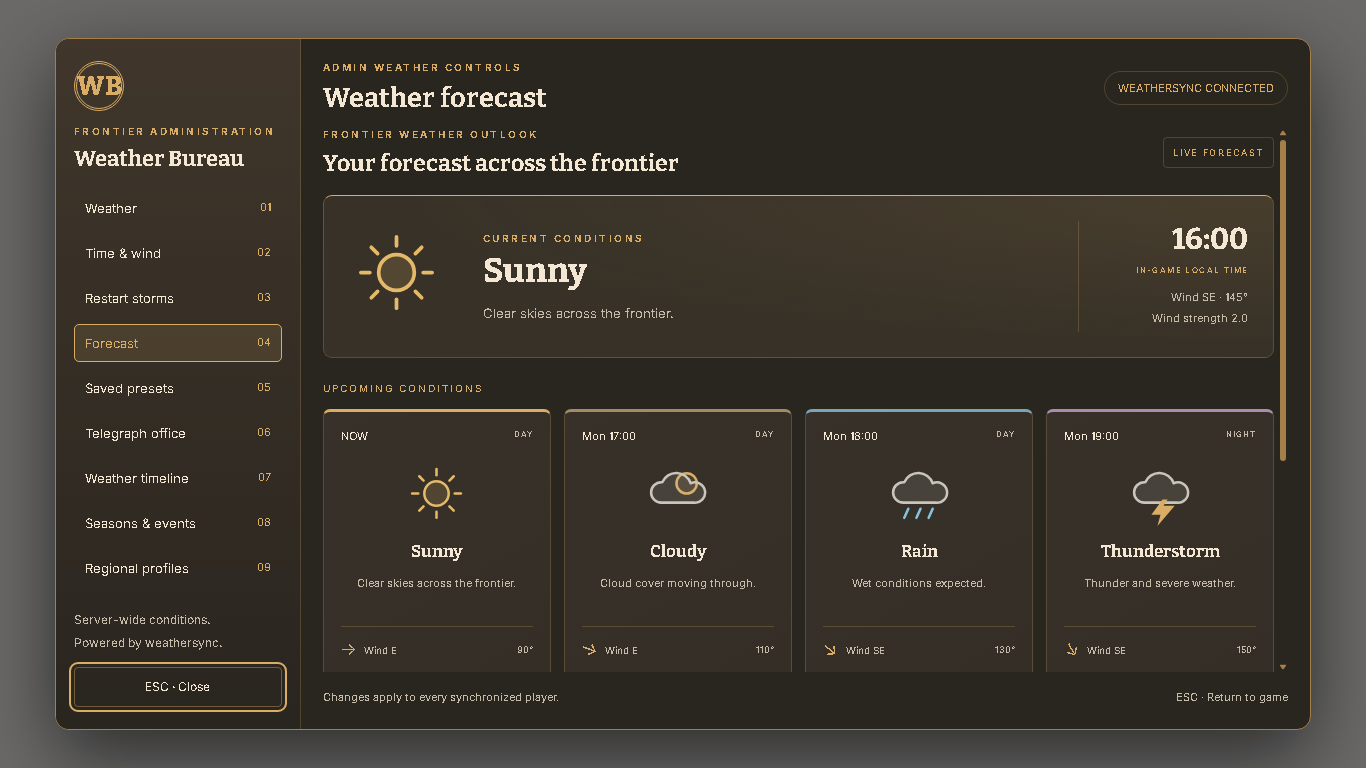
Bring changing skies and dramatic restart storms to your RedM server with CS Weather Control, a Western-themed weather administration system powered by weathersync.
Give administrators control over server conditions while allowing configured Publisher jobs to view the forecast without changing the weather.
⭐ Features
✔ Western-themed weather bureau interface
✔ Configurable server branding and colors
✔ Weather, time, wind and ground snow controls
✔ Live forecast cards with upcoming conditions
✔ Save and apply custom weather presets
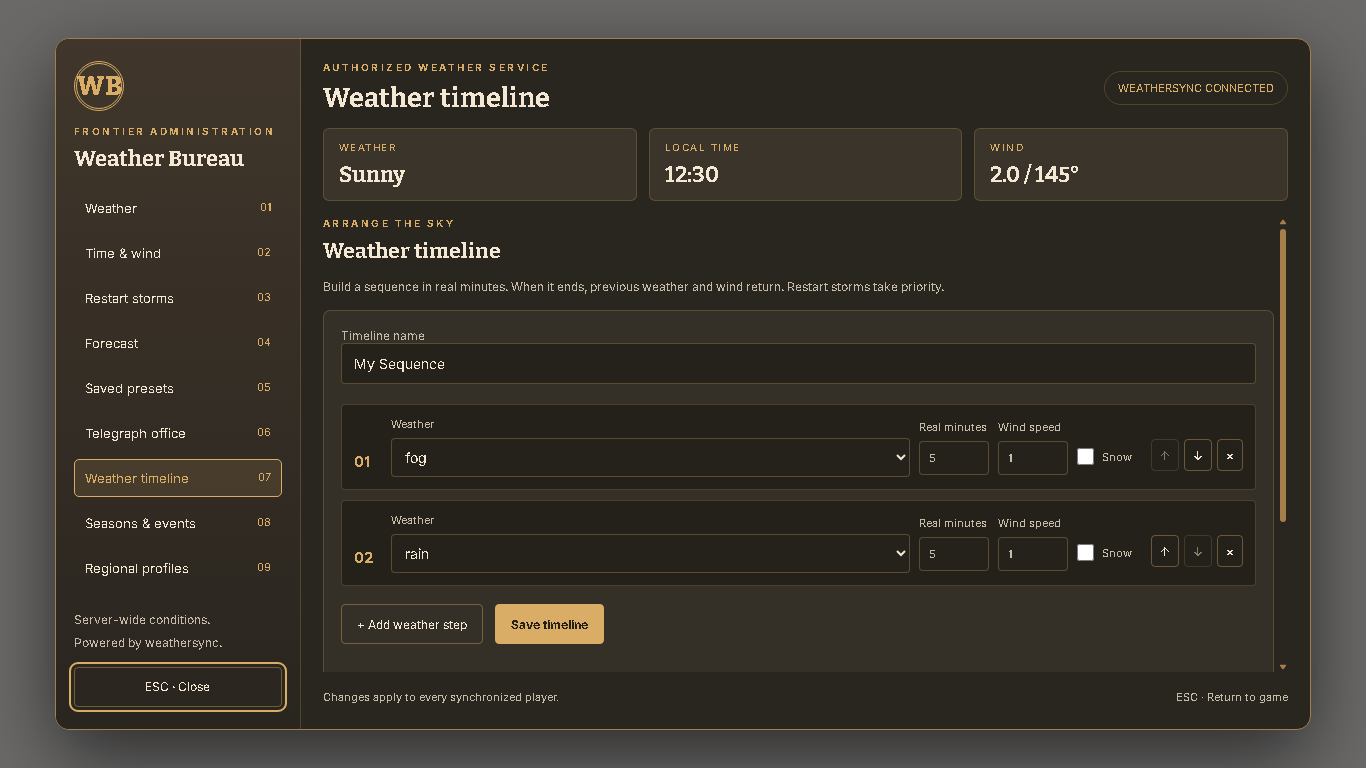
✔ Create and save weather timelines
✔ Configurable seasonal patterns and regional profiles
✔ Publish weather advisories through the Telegraph office
✔ Administrator-only weather and restart controls
✔ Forecast-only job access with configurable minimum grades
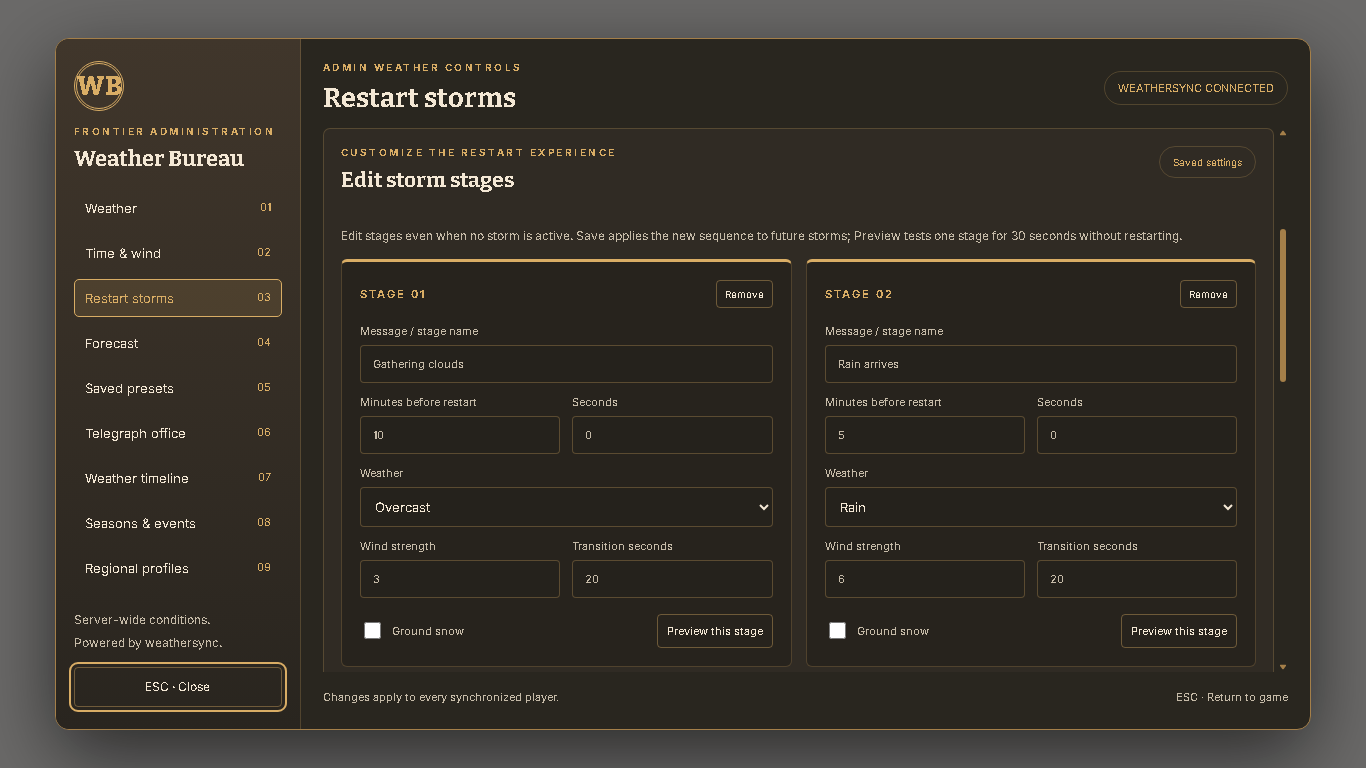
✔ Editable restart stages with individual weather, wind and messages
✔ Storm previews with previous-condition recovery
⛈️ Progressive Restart Storms
Turn scheduled restarts into an atmospheric event.
Clouds gather at 30 minutes, followed by overcast skies, drizzle, rain and thunder as the restart approaches.
At 3 minutes, hurricane conditions begin. Wind strengthens again at 2 minutes and 1 minute, reaching maximum configured intensity at 30 seconds.
Players receive notices every five minutes, with a persistent countdown appearing during the final five minutes.
Restart scheduling remains controlled by txAdmin.
⚙️ Fully Configurable
Customize branding, permissions, Publisher jobs and grades, presets, storm stages, regional weather, seasonal patterns, notices and interface settings.
Administrators can also edit and save storm stages directly through the menu.
📦 Easy Installation
- Install weathersync and the included compatibility bridge.
- Add
ensure cs_weatherafterensure weathersync. - Configure branding and administrator permissions.
- Complete the documented txAdmin warning setup.
- Open
/csweatherto begin.
Replacing the stock gold txAdmin warning requires a one-time setting and a normal server restart.
📦 Dependencies
- RedM
- Compatible weathersync with the included bridge
- txAdmin for automatic restart storms
- VORP only when using VORP group/job permissions
No database required.
✅ Perfect For
- Western roleplay communities
- Server administration
- Publisher and newspaper roleplay
- Seasonal events
- Atmospheric scheduled restarts
📖 Documentation Included
Includes installation instructions, permission examples, commands, weather-stage configuration, saved-data guidance and troubleshooting.