


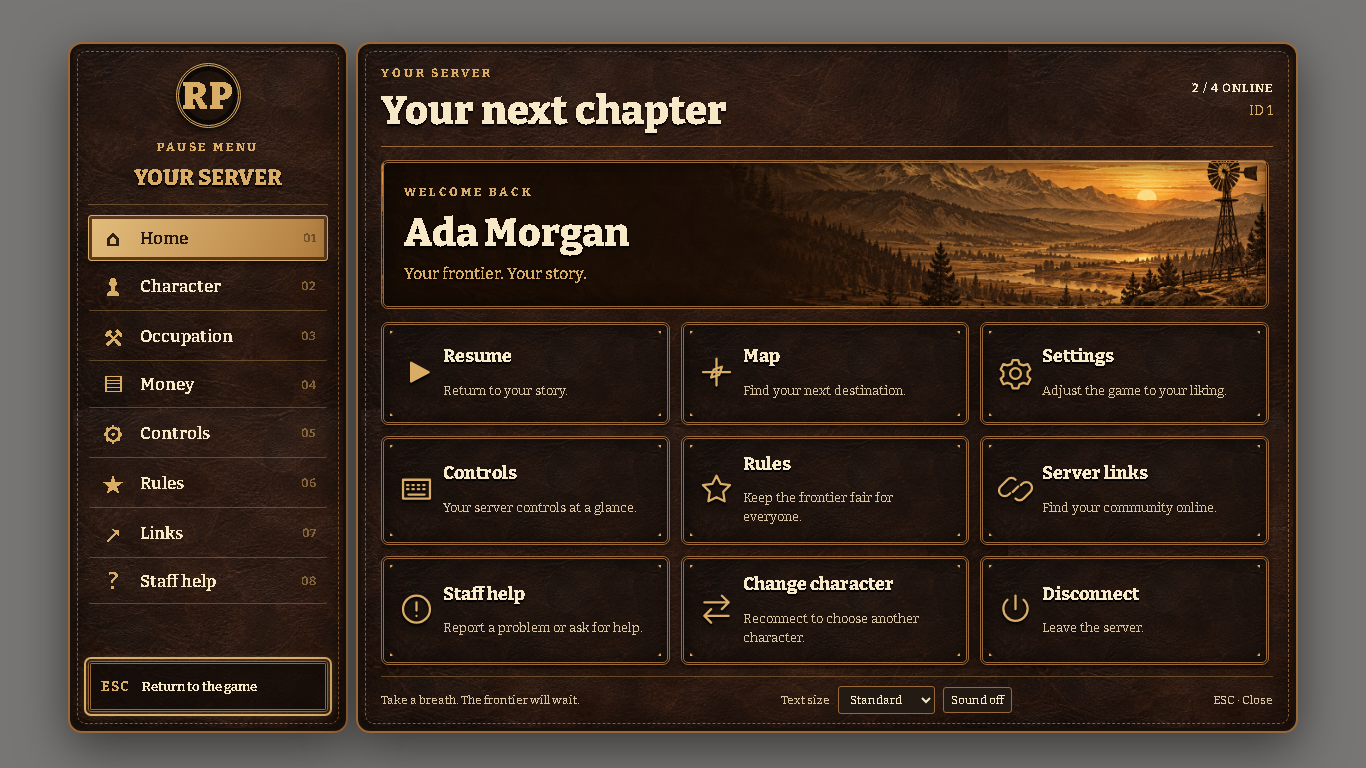
Give your server a frontier identity with CS Pause Menu, a configurable Western pause menu built for VORP RedM.
Worn leather, brass details and frontier artwork bring character information, server rules, community links and staff assistance together in one interface.
⭐ Features
✔ Western saddle-leather interface
✔ Configurable server name, logo, colors and branding
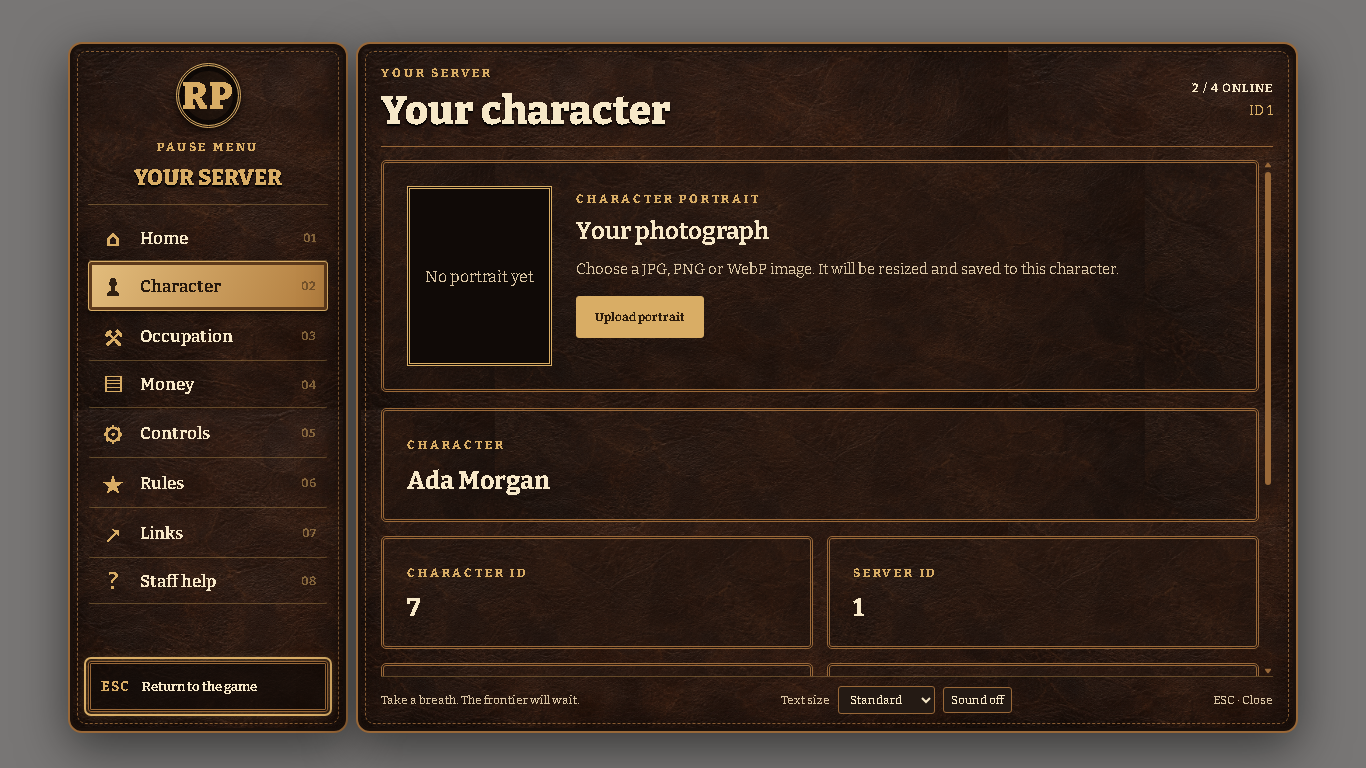
✔ Character information and occupation details
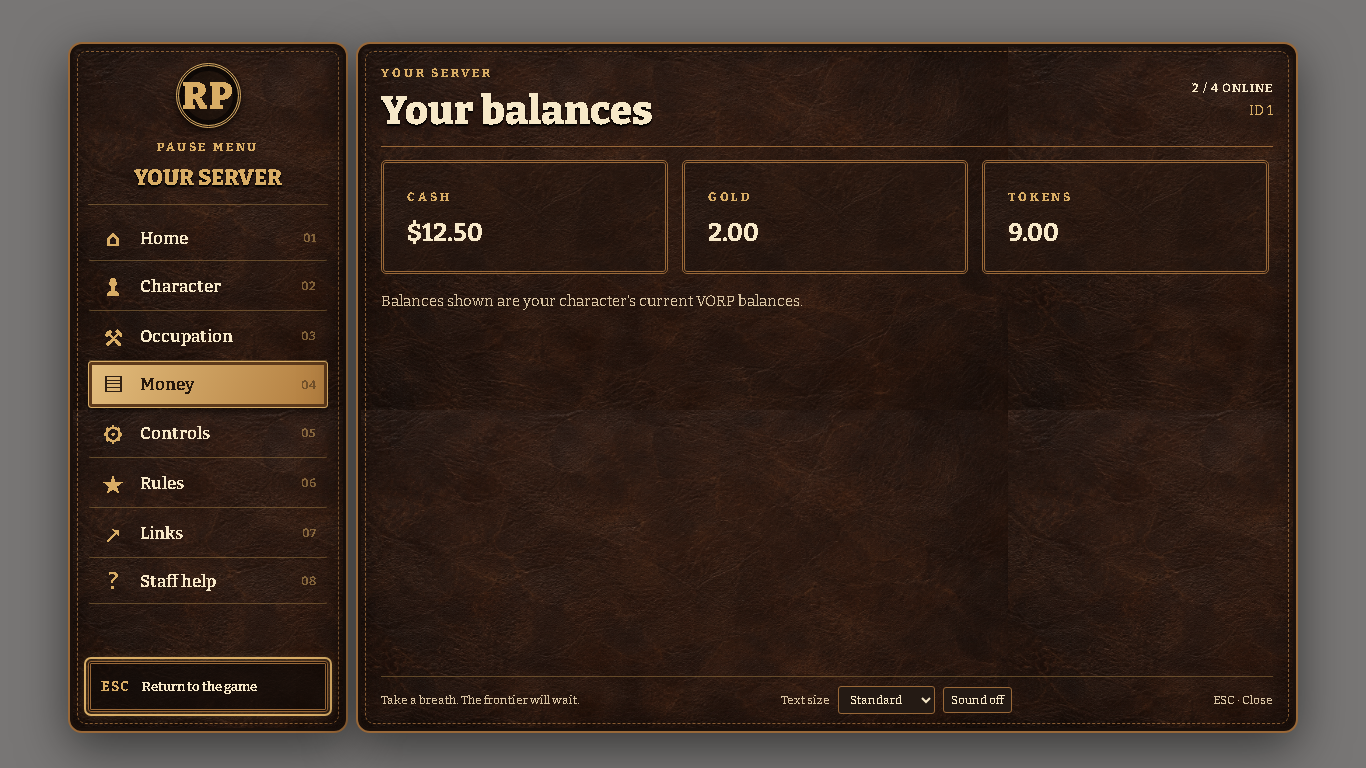
✔ Current VORP cash, gold and token balances
✔ Persistent total play time and current session time
✔ Player-uploaded character portraits
✔ Configurable server rules and community links
✔ Editable control hints
✔ Native map and settings shortcuts
✔ Built-in staff report form
✔ Saved reports with online staff notifications
✔ Staff report review command
✔ Standard, Large and Extra large text options
✔ Keyboard and controller navigation support
✔ Optional interface sounds
✔ Character-change and disconnect confirmations
🖼️ Character Portraits
Players can upload a JPG, PNG or WebP portrait through the Character tab.
Images are resized and compressed before saving, remain attached to the selected character, and persist across reconnects.
Server owners can disable uploads or configure default portraits.
⏱️ Total Play Time
Show players their character’s accumulated play time alongside their current session.
Tracking continues while the menu is closed and saves automatically. No separate play-time resource or SQL migration is required.
🛠️ Staff Assistance
Players can submit a report with an optional connected player ID.
Reports save before confirmation is shown, and online staff receive a notification. Authorized staff can review recent reports using /pausereports.
⚙️ Fully Configurable
Customize branding, home actions, rules, links, currency labels, control hints, report permissions, portraits, refresh settings, text size and sounds through config.lua.
📦 Easy Installation
- Place
cs_pausemenuinside your resources folder. - Add
ensure cs_pausemenuafterensure vorp_core. - Configure your branding and staff permissions.
- Select a character and press ESC or use
/pausemenu.
Use only one pause-menu replacement at a time.
📦 Dependencies
- RedM
- VORP Core
No SQL migration or paid UI library required.
✅ Perfect For
- Western roleplay servers
- Branded VORP communities
- Character-focused roleplay
- Server information and staff assistance
📖 Documentation Included
Includes installation, branding examples, permissions, portrait uploads, play-time storage, reports, integrations and troubleshooting.
Please note: Character change disconnects the player so they can reconnect and select another character. Gameplay continues while the menu is open.